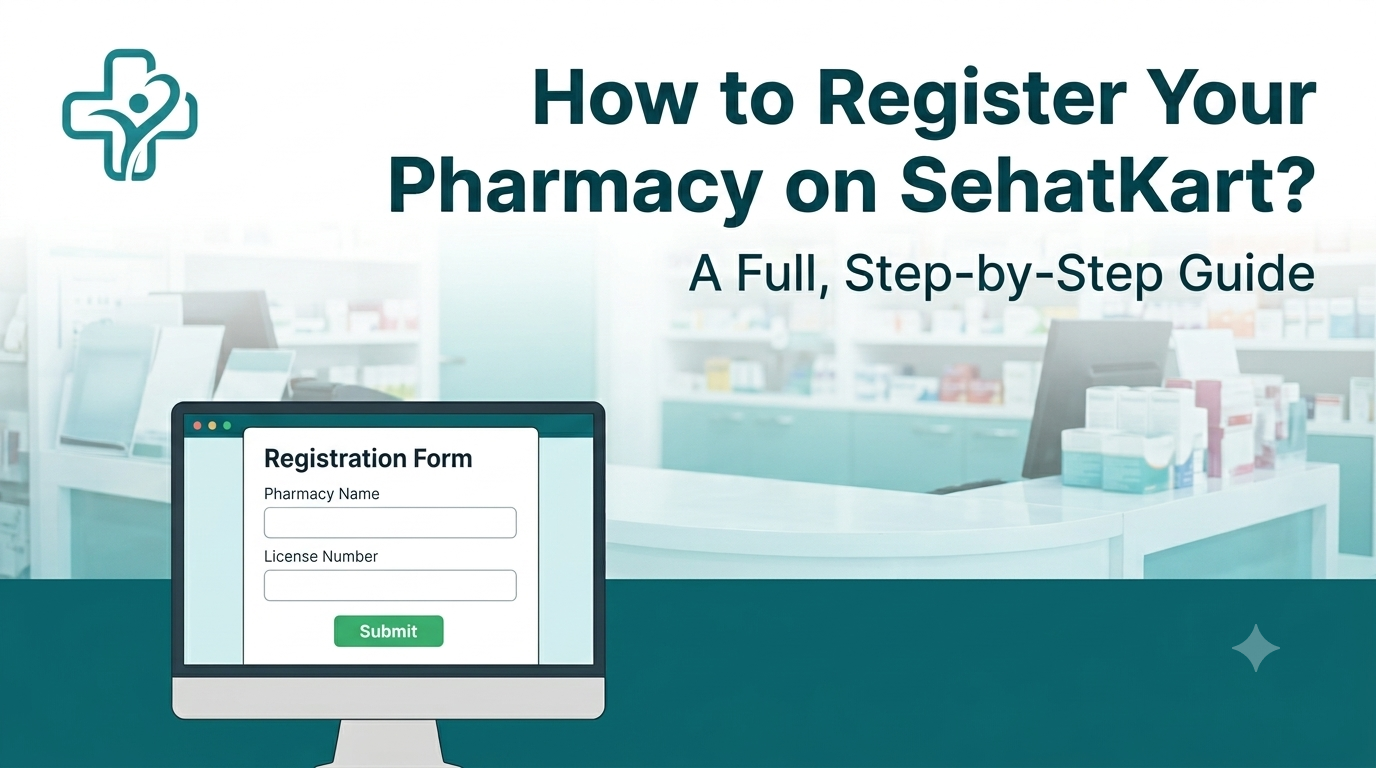
To register your pharmacy on SehatKart, visit sehatkart.co and complete the online pharmacy registration form. Approval is processed after DRAP document verification, the timeline depends on how quickly documentation is submitted and confirmed, so having your Drug Sale License, CNIC, and premises photo ready before starting the form speeds up the process significantly.
This guide covers every step of the registration process, what documents are required and why, which subscription tier makes sense for different pharmacy sizes, and what to expect after submitting. Every pharmacy that goes live on SehatKart is DRAP-verified before being listed to customers. This is the process that makes that verification happen. SehatKart currently operates in Sadiqabad, Punjab, and is actively expanding to other Pakistani cities, meaning pharmacies registering now are joining early in each market's growth.
What Registration Actually Involves?
Registering a pharmacy on SehatKart is an online process, no office visit, no in-person inspection required at the application stage. The form collects pharmacy and owner details, the required documents are uploaded digitally, and the platform's admin team reviews the submission before any pharmacy is made live to customers.
The review exists specifically because DRAP's mandate covers licensing establishments and ensuring that therapeutic goods available in the market comply with prescribed standards of quality, safety, and efficacy. A pharmacy listed on a delivery marketplace without licensing verification would create the same supply chain risk that DRAP's licensing framework was built to prevent. The review is not bureaucratic delay, it is the mechanism that makes each listed pharmacy a trust signal for customers rather than an unknown seller.
What You Need Before Starting the Form?
Having these ready before opening the registration page prevents the most common reason for delayed approvals, incomplete document submission:
- DRAP Drug Sale License (current and valid) — the primary licensing document confirming the pharmacy is legally authorised to sell medicine. A Drug Sales License (DSL) is a prerequisite for drug product registration and sale in Pakistan under DRAP's regulatory framework. An expired or pending license will hold up approval until it is renewed or issued.
- Owner CNIC (both sides) — uploaded as images during the form; the name on the CNIC must match the pharmacy registration details.
- Premises photo — a clear photo of the pharmacy's physical location, used to confirm the business operates from a real, identifiable address.
- Notification email address — the email address where order alerts will be sent when customers place orders; this can be a separate address from the owner's personal email if someone else manages order confirmations.
Bonus tip: Upload both sides of the CNIC as separate or in a single pdf, clearly photographed images rather than a single scan, unclear or partially cut-off CNIC images are the most common documentation issue that requires a follow-up before a pharmacy can be approved.
How to Register Your Pharmacy? Step-by-Step
- Go to sehatkart.co and navigate to the Register Pharmacy page, accessible from the main navigation.
- Fill in pharmacy details : Pharmacy name, owner name, address within Sadiqabad, and contact information.
- Upload your DRAP Drug Sale License: Current, clearly photographed, showing the full license including issue and expiry dates.
- Upload your CNIC: Both sides, clearly legible.
- Upload a photo of your pharmacy premises: Exterior or interior showing the pharmacy as a functioning business location.
- Enter a notification email: This is where order alerts will be sent; make sure it is actively monitored.
- Select your subscription tier: Choose the plan that matches your product listing volume (see tier table below). This can be changed later, but choosing the right tier upfront avoids an immediate upgrade or downgrade.
- Submit the form: The admin team reviews the submission and processes approval once documentation is confirmed.
Once approved, the pharmacy dashboard becomes accessible. From there, products are added, listings go live to customers, and incoming orders are managed through the dashboard interface.
Subscription Tiers After the Free Trial
Every new pharmacy partner receives a 3-month free trial with full platform access before any subscription fee applies. After the trial, the fee is based on how many products the pharmacy wants listed, not a flat rate regardless of size.
SehatKart Pharmacy Subscription Plans
| Plan | Monthly Fee | Product Listing Limit | Best For |
|---|---|---|---|
| Basic | Rs. 1,999 | Up to 100 products | Small pharmacies with a focused inventory |
| Growth | Rs. 3,499 | Up to 500 products | Mid-size pharmacies — most popular tier |
| Pro | Rs. 5,999 | Up to 1,000 products | Larger pharmacies with broad stock |
| Premium | Rs. 9,999 | Unlimited products | High-volume pharmacies with full catalogues |
Counting active product SKUs before selecting a tier avoids paying for listing capacity that won't be used, or hitting a cap immediately after approval and needing to upgrade before the first full month is done.
Bonus tip: Starting with the Growth tier during the free trial gives room to test how many products actually generate orders before committing to a higher tier at month four — pharmacies can downgrade if a lower listing limit turns out to be sufficient for their order volume.
What to Check Before Registering
A few things worth confirming before submitting the form:
- Is the DRAP Drug Sale License current? DRAP's e-services portal (e.dra.gov.pk) allows online verification of licensing and registration status — if there is any uncertainty about whether the license is current, check the DRAP portal before submitting.
- Is the pharmacy in Sadiqabad? Registration is currently open to pharmacies within SehatKart's active service area. As the platform expands to other cities, registration will open for pharmacies in those locations.
- Is there someone available to manage orders during platform hours? Incoming orders are sent to the pharmacy's notification email and appear in the dashboard — a pharmacy that cannot confirm orders promptly during the 8 AM to 10 PM window will have orders auto-cancelled after 15 minutes of no confirmation, which affects customer experience under the pharmacy's specific listing.
- Is the product inventory documented? Approved pharmacies add their own product listings after approval. Having a list of products, prices, and whether each requires a prescription ready before approval means listings go live faster after the dashboard opens.
Does SehatKart charge a commission on top of the subscription fee?
The subscription tier covers platform access and listing capacity. The platform fee per order (Rs. 30) and delivery fee (Rs. 130) are separate and are charged to the customer at checkout, not deducted from the pharmacy's payment. Confirm the full current fee structure at the time of registration if this is a deciding factor.
Can a pharmacy register if its DRAP license is currently being renewed?
An expired license cannot be verified as valid. Complete the renewal with DRAP first, then register once the current license is in hand. Submitting with an expired license will delay approval until the renewal is confirmed.
Can a pharmacy list medicines that require a prescription?
Yes. Products requiring a prescription are flagged as such in the listing, and the platform's prescription upload flow handles order routing for those products separately from standard cart orders.
How long does approval take after submitting the registration form?
Approval timeline depends on document completeness. A submission with all three documents clearly uploaded. DRAP license, CNIC (both sides), premises photo, moves through review faster than one requiring follow-up for missing or unclear files.
Can a pharmacy change its subscription tier after the free trial ends?
Yes, pharmacies can move between tiers based on how many products they want listed at any given time. An upgrade takes effect immediately; a downgrade applies at the next billing cycle.
What happens if a pharmacy exceeds its product listing limit?
Listings beyond the plan's cap will not go live until either existing listings are removed to make room or the pharmacy upgrades to a higher tier. The dashboard shows current usage against the plan limit.
Is the notification email the same as the account login email?
Not necessarily, the notification email is where order alerts are sent, which may be a pharmacy counter address monitored during business hours. The account login email is used for dashboard access. These can be set as the same or different addresses depending on how the pharmacy manages its operations.
What if a pharmacy wants to register but is not yet in Sadiqabad's coverage area?
Registration is currently open for pharmacies within Sadiqabad. As SehatKart expands to Rahim Yar Khan, Multan, Lahore, Karachi, and Islamabad, registration will open for pharmacies in those cities. Pharmacies outside Sadiqabad can contact support at +932006707390 to express interest ahead of expansion.
Can a pharmacy update its product listings after going live?
Yes, the pharmacy dashboard allows ongoing product management: adding new listings, updating prices, adjusting stock status, and removing discontinued items. Keeping listings current reduces order cancellations caused by out-of-stock products appearing as available.
Final Words
Registering a pharmacy on SehatKart is a straightforward online process. Fill in the form, upload the three required documents, select a subscription tier, and submit. The DRAP verification step is the only non-instant part of the process, and it is faster when documentation is complete and clearly photographed the first time. The 3-month free trial removes the financial risk of testing the platform before committing to a paid plan, and subscription tiers are sized to actual listing volume rather than a one-size fee.
For a DRAP-licensed pharmacy in Sadiqabad that wants access to online order volume without building its own delivery infrastructure, the registration process is the entry point.
Register Your Pharmacy Today
Start the registration process at sehatkart.co. The form is online and takes a few minutes with documents ready. For questions before registering, reach SehatKart's team at support@sehatkart.co or on WhatsApp at +923006707390.